Your project came with a list.
Photograph every defect, send it once, and get a photo back for every fix.
Your flat today. Your office, or every outlet you open, next.

Free to log your defects.
Log, send and keep your list at no cost.
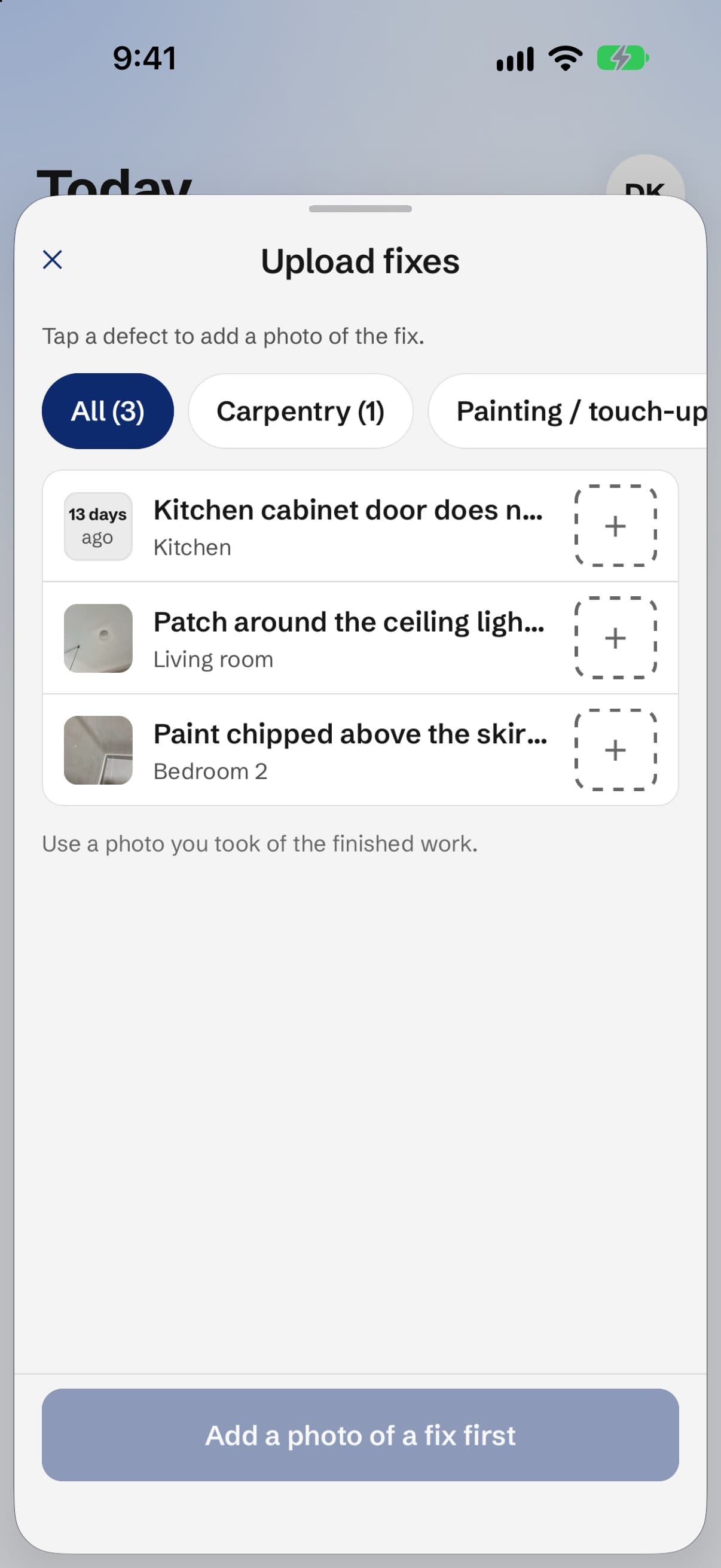
A photo for every fix.
Your renovator sends one. You accept it or send it back.
No firm can buy its grade.
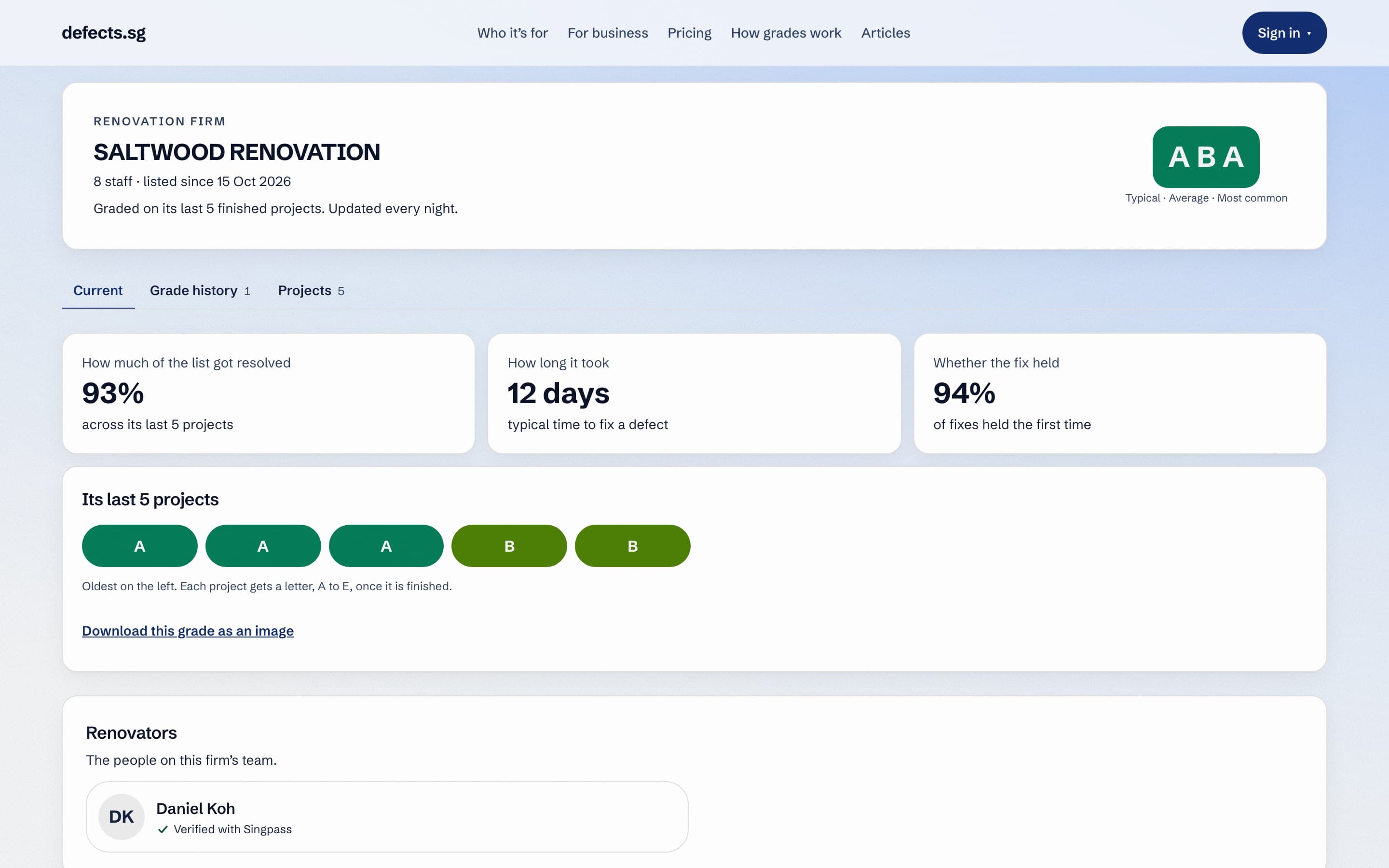
Grades come from how firms fixed defects on real projects.
Hiring a renovator?
Check their grade before you sign.
Search a firm by name or UEN.
How grades work.
Three letters from a firm’s last 10 finished projects.
Before you sign.
What to check besides the grade, before any deposit.
The registry is filling up
First grades appear when a firm finishes 3 projects on defects.sg.
- firms to search
- 5,603
One photo, one defect. Nothing counts as fixed without a photo of the fix.
They can answer it.
They can’t erase it.
They can reply to any defect, but never edit or delete what you wrote.
How to use it,
step by step.
Start a project, log defects, check each fix, then close it.
One list, from both sides.
Your renovator sees your list on their phone, and sends back a photo of each fix.

Notes on getting defects fixed.
Short reads on key collection, renovation and fixes.
Questions, answered.
What it costs, who sees your address, and what your renovator can change.
For business
Start logging.
Free to log your defects. A photo and a sentence for each one.